
Count the bar in minutes. Know every bottle, to the ml.
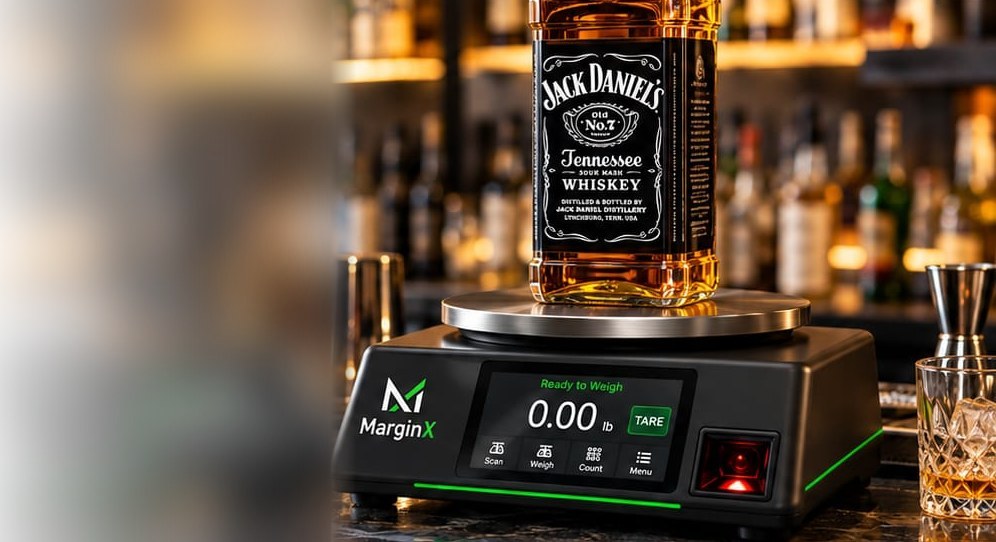
Place open bottles on the scale and MarginX measures exactly what is left — in millilitres. Get a complete, accurate bar inventory in minutes, not hours.
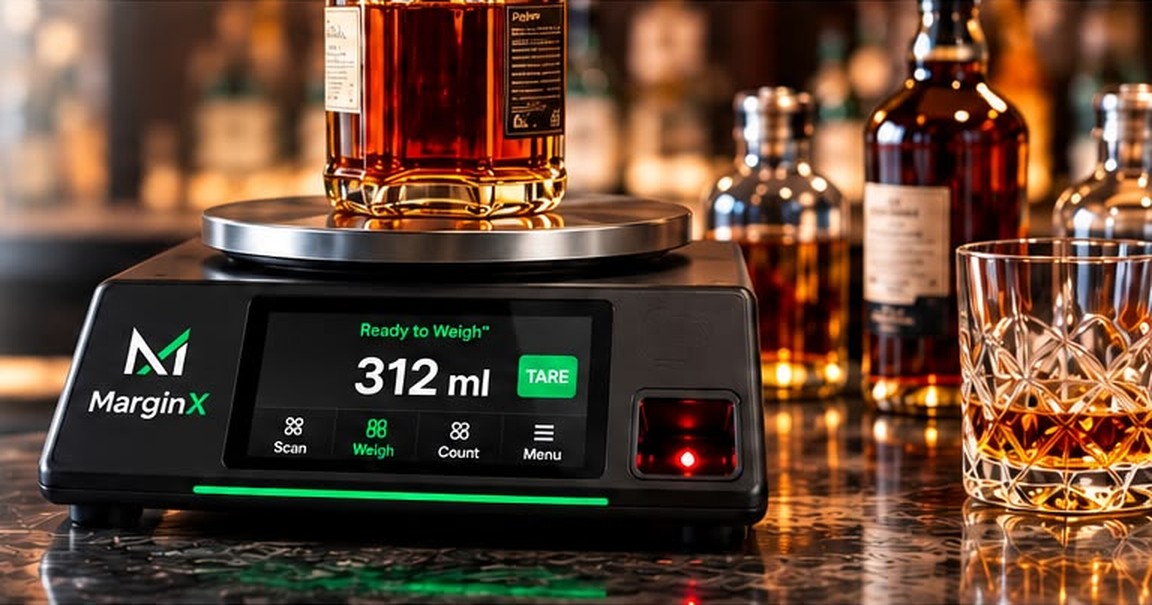
Everything you need to control your bar inventory
Count inventory in minutes
Scan the barcode, set the bottle on the scale. A full bar count goes from hours of manual work to minutes.
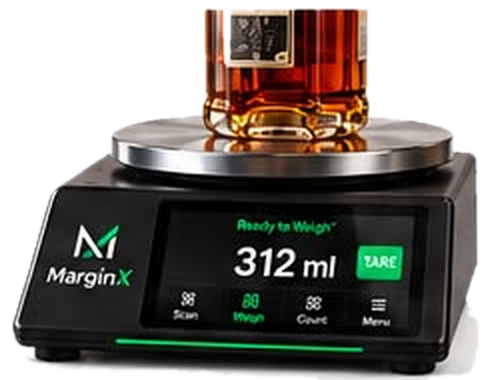
Know exactly what's left
Measure every open bottle in millilitres instead of estimating tenths by eye.
Calibrate once
Record a bottle's full and empty weight once. Every count after that is automatic.
See every storage area
Count the main bar, back bar and storeroom separately while seeing one complete inventory.


Know what's on hand
Every published count updates on-hand by area, so you know how many bottles you have and where.
Part of MarginX
Bar counts live alongside kitchen inventory, recipes and labour — one login, one system.
From hours of counting to minutes.
Replace manual counts, spreadsheets and guesswork with a fast, accurate process. Place open bottles on the scale, and MarginX does the rest.
Time-consuming and error prone.
- 1Eyeball bottles
- 2Write counts down
- 3Enter into spreadsheet
- 4Calculate usage
- 5Reconcile with POS
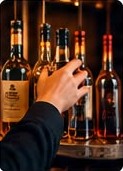

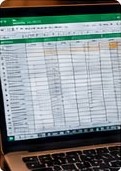

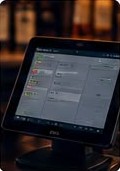
- Takes hours
- Prone to human error
- Hard to find variance
Scan. Weigh. Done.
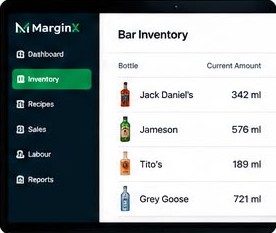
- 1Place bottle on scale
- 2MarginX measures the exact amount
- 3It's added to your count instantly
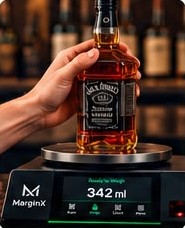
- Fast and repeatable
- Accurate to the ml
- Part of MarginX
See how it works.
Book a quick demo to see how fast and easy it is to get a complete, accurate bar inventory.
Book a demo →Know what's left in every bottle.
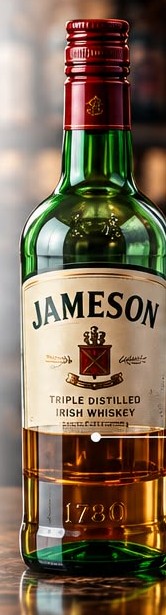
MarginX turns every weighed bottle into millilitres and rolls each published count into on-hand, by bottle and by storage area, so you know exactly what you have and where it is.
Measure every open bottle
Partial bottles are weighed to the ml, not guessed in tenths by eye.
See stock in every area
Main bar, back bar and storeroom on their own, and totalled for the location.
Counts that hold
Each count is time-stamped when it's taken. Recalibrating a bottle later never rewrites a published count.
Your entire bar. One clear view.
See bottles on hand and bottle-level counts across every storage area, in every location.
Multiple locations
Every location keeps its own on-hand. Switch between your bars from one login.
Storage areas
Track Main Bar, Back Bar and Storeroom separately.
Bottles on hand
See exactly how much liquor you have, in bottles and millilitres.
Bottle-level details
See each bottle's storage area, how much is on hand and when it was last counted.

Total on hand
86.4 btlFull and open bottles at one location
Bottles tracked
42Each bottle in each storage area
Storage areas
3- Main Bar
- Back Bar
- Storeroom
Locations
3- Downtown Toronto
- Mississauga
- Ottawa
Built for every place that pours.
From high-volume nightclubs to neighbourhood restaurants and multi-location groups, MarginX makes liquor inventory fast and accurate.
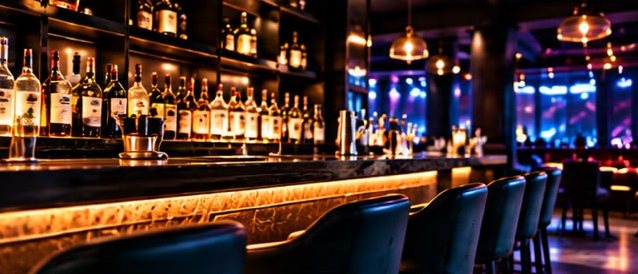
Bars & Nightclubs
Fast, accurate counts across Main Bar, Back Bar and Storeroom, built for high-volume bars.
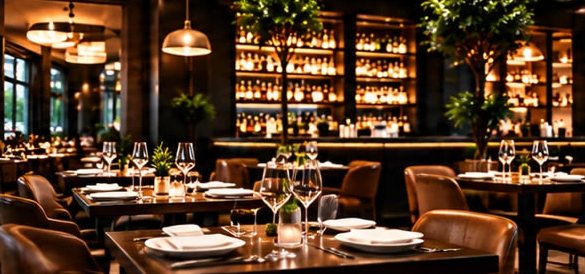
Restaurants with Bars
Count the bar in the same system that runs your kitchen inventory, recipes and labour, with no standalone liquor app.
Multi-Location Restaurant Groups
One bottle catalog for every location: set up and calibrate a bottle once, and each location counts and keeps its own on-hand.
Outcomes
Other systems in MarginX
Got questions? We've got answers.
Everything you need to know about the MarginX smart scale and liquor inventory.
How does the smart scale work?
Scan the bottle's barcode and set it on the scale. MarginX already knows that bottle's full and empty weight, so it turns the reading into the millilitres left and adds it to the count for the storage area you're counting.
Can it accurately measure partial bottles?
Yes. Each bottle is calibrated once — its full and empty weight — and every open bottle after that is measured by weight, to the ml, instead of estimated in tenths by eye. A published count keeps its numbers even if you recalibrate a bottle later.
Does it connect to my POS system?
Not for bar counts yet. Bar inventory doesn't pull POS sales today, so it doesn't calculate sold-vs-counted variance. Elsewhere in MarginX, Clover sales import automatically for sales reporting and forecasting.
Can I track multiple storage areas (Main Bar, Back Bar, Storeroom)?
Yes. Each count covers one area, and on-hand is kept per area — so you see what's in the main bar, back bar and storeroom separately, and the total across all of them.
Can I use it across multiple locations?
Yes. Every location counts and keeps its own on-hand, and all your locations share one bottle catalog — so a bottle is set up and calibrated once for the whole group.
What bottles and sizes does it support?
Any bottle with a barcode, in any size — you record its volume in ml and calibrate it once. One product can carry several barcodes, and a barcode that isn't in your catalog yet can be linked to an existing bottle or added as a new one.
Book a demo today.
See how easy it is to count your entire bar in minutes, measure every open bottle to the ml, and see what you have on hand in every storage area.
Book a demo →